
Reusable templates
Write your consent templates once in a rich text editor, then reuse them for every patient.
Dental Website Design & Development
Ready-made Dental WebsitesBespoke Dental WebsitesDental Website Hosting & Maintenance
Managed Website Hosting & MaintenanceWebsite Content ManagementDental Digital Marketing
Social Media ManagementDental SEO ServicesGoogle Ads for DentistsSocial Media Advertising View all servicesResources
BlogsSoonFAQsClient StoriesPrivacy PolicyTerms of ServiceAbout
About CodortalContact UsCollect patient information and signed consent forms digitally, with records saved securely. The patient gets a secure one-time link, reads the form and signs on their phone, and the signed form locks and saves against their record.
Patients get a secure one-time link, read and sign on their phone, and the form saves to their record.
Digital consent forms replace paper: the patient receives a secure one-time link, reads the form and signs on their phone before the visit. The signed form locks, is dated and saves against their record, stored to meet UK GDPR. You write templates once and reuse them, and AI can draft a form from your consultation notes.
| Price | Included on every plan, from £79/month |
|---|---|
| Signing | On the patient’s phone, by secure one-time link |
| After signing | Locked, dated and saved to the patient’s record |
| Drafting | Reusable templates, or an AI draft from your notes |
Write your consent templates once in a rich text editor, then reuse them for every patient.
Write or paste your consultation notes and the AI drafts the form for you to review and edit.
The patient’s details are added to the form automatically.
Patients sign on their phone at home or in the practice, and the signature is dated into the form.
A secure one-time link that expires after signing. Once signed, the form cannot be changed.
Signed forms are saved against the patient’s record, with nothing left in a filing cabinet.
You start from one of your templates, or let the AI draft the form from your consultation notes, and review it. The patient’s details are added automatically and they get a secure one-time link. They read and sign on their phone, at home or in the practice. The signed form locks and saves against their record.
Start from a template, or let the AI draft the form from your notes.
The patient gets a secure one-time link to their form.
They read it and sign on their phone before the visit.
The signed form locks and saves against their record.
They are for practices still printing, scanning or filing consent forms, and for clinicians who write consent from consultation notes and want a first draft done for them. Forms are signed before the visit, on the patient’s own phone, and nothing is left in a filing cabinet. Every plan includes them.
| Without it | With Codortal |
|---|---|
| Paper forms or separate digital tools | Templates written once and reused for every patient |
| Forms signed on paper at the practice | Signed on the patient’s phone before the visit |
| Signed forms kept in a filing cabinet | Locked and saved against the patient’s record |
Consent forms and digital signatures are included on every plan: Growth at £79 a month and Pro at £119 a month, with no setup fee. That covers reusable templates, AI drafting from your notes, signing links and secure storage of signed forms. There is no separate consent-forms tool to pay for.
Consent forms and digital signatures are part of Growth (£79/month) and Pro (£119/month).
Short answers to the questions that come up most on a demo.
Look for forms patients can sign on their own phone before the visit, signatures that are dated and locked, and secure storage against the patient record. Codortal does all three, lets you reuse your own templates and can draft a form from your consultation notes, on every plan.
Move your consent wording into reusable digital templates, send each patient a secure link to sign on their phone, and store the signed form against their record. Codortal does this on every plan, so nothing is printed, scanned or filed.
In Codortal a signed form locks so it cannot be changed, the signature is dated into it, and it is saved against the patient’s record. Data is encrypted at rest, with role-based access and audit-logged changes, built to meet UK GDPR.
In Codortal, choose a template or let the AI draft the form from your notes, review it and send it. The patient receives a secure one-time link, reads the form and signs on their phone at home, and the signed form is saved before they arrive.
You send the form and the patient gets a secure one-time link. They read it and sign on their phone before the visit, and once signed the form locks and saves against their record.
Write or paste your consultation notes and the AI drafts the consent form from them, using your own template and the patient’s details. You review and edit it before it goes out, so you spend less time writing and more with the patient.
Yes. Consent forms are completed and signed online, then stored securely to meet UK GDPR, so nothing is left sitting in a filing cabinet.
No. Once signed, the form locks and cannot be changed, and the signature is dated into the form.
Yes. You write your own consent templates in a rich text editor and reuse them for every patient.
On their phone, at home or in the practice. The link is secure and one-time, and expires after signing.
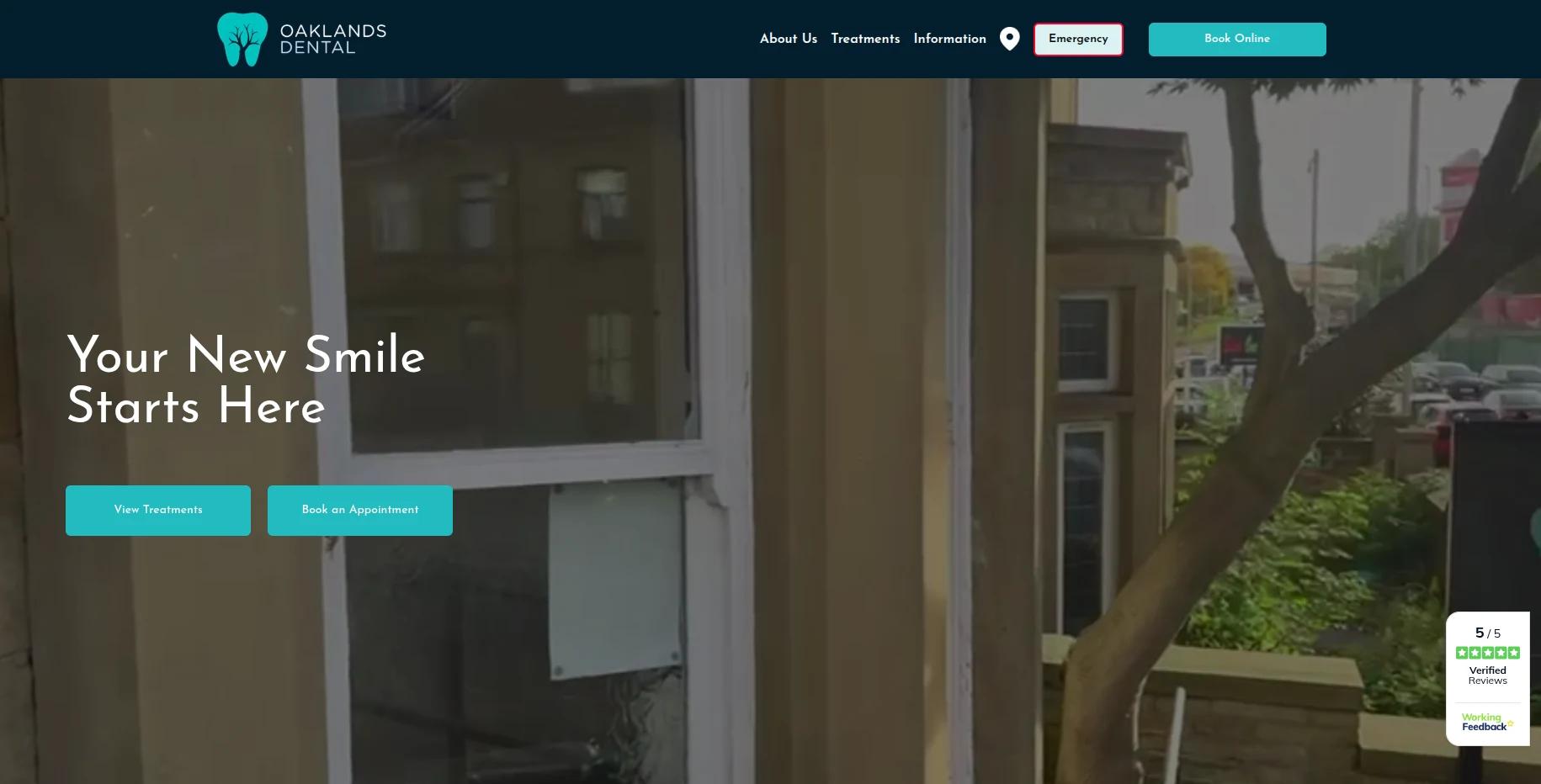
Oaklands Dental in Huddersfield, Chapel Dental & Wellness in Brighouse and GK OOI & Associates run their practice websites on Codortal. Each one is built, hosted and supported by the same team you would work with.
See how Codortal connects your dental website, online bookings, payments and patient enquiries in one personalised 20-minute walkthrough.