
Live availability
Patients pick a treatment, practitioner and time, day or night.
Dental Website Design & Development
Ready-made Dental WebsitesBespoke Dental WebsitesDental Website Hosting & Maintenance
Managed Website Hosting & MaintenanceWebsite Content ManagementDental Digital Marketing
Social Media ManagementDental SEO ServicesGoogle Ads for DentistsSocial Media Advertising View all servicesResources
BlogsSoonFAQsClient StoriesPrivacy PolicyTerms of ServiceAbout
About CodortalContact UsPatients choose a treatment, practitioner and time from your live availability and can pay securely by card as they book. A successful payment confirms the appointment automatically.

Patients choose a treatment, practitioner and time from your live availability, and can pay as they book.
Online booking and payments lets patients choose a treatment, practitioner and time from your live availability on your website, day or night, and pay securely by card as they book. Payments run through Stripe into your practice’s own account, and a successful payment confirms the appointment automatically. It is included on every plan.
| Price | Included on every plan, from £79/month |
|---|---|
| Payments | Stripe, into your practice’s own account |
| Diary | Codortal’s own, or your Dentally diary |
| After booking | A calendar invite and email reminders |
Patients pick a treatment, practitioner and time, day or night.
Patients pay by card as they book, into your practice’s own Stripe account.
A successful payment confirms the appointment. Failed or abandoned payments are handled automatically.
Every confirmation carries a calendar file, so the appointment lands in the patient’s own calendar.
Codortal fits around your routine, and your reception team stays in control of the diary.
If you take bookings in Dentally, Codortal can work with that diary instead of its own.
The patient picks the treatment they need, then a practitioner and a slot from your live availability. A secure card payment through Stripe confirms the appointment. They receive a confirmation with a calendar invite, and reminders follow on their own. Failed or abandoned payments are handled automatically, and reception stays in control of the diary.
The patient picks what they need from the treatments you offer.
They choose a practitioner and a slot from your live availability.
A secure card payment through Stripe confirms the appointment.
A calendar invite goes out, and the reminders follow on their own.
It is for practices that want patients to be able to book outside opening hours, without a phone call. It works for private and mixed NHS and private practices. If you already take bookings in Dentally, Codortal can work with that diary instead of its own, so the front desk does not have to change.
| Without it | With Codortal |
|---|---|
| Appointments arranged through calls or separate tools | Patients book online from live availability, day or night |
| Card payments handled separately from the booking | Payment taken as the patient books, confirming the appointment |
| Confirmations and reminders sent by hand | A calendar invite and email reminders sent automatically |
Online booking and card payments are included on every Codortal plan: Growth at £79 a month and Pro at £119 a month, with no setup fee. Payments are processed by Stripe on your practice’s own Stripe account, so the money goes straight to you rather than through us.
Online booking and card payments are part of Growth (£79/month) and Pro (£119/month).
Short answers to the questions that come up most on a demo.
The one that fits how your reception already works. Codortal’s online booking is built into your practice website: patients choose a treatment, practitioner and time from live availability, can pay by card through Stripe, and get a calendar invite and reminders. It can also work with a Dentally diary.
Yes. With Codortal, patients book on your website day or night from your live availability, choosing the treatment, practitioner and time, without a phone call. Your reception team stays in control of the diary.
With Codortal it is part of the website: online booking and card payments are included on every plan and set up for you. If you already take bookings in Dentally, Codortal can work with that diary instead of its own.
Card details are handled securely by Stripe, and payments go to your practice’s own Stripe account. Patient and clinical data in Codortal is encrypted at rest, access is role-based and changes are audit-logged. It is built to meet UK GDPR.
Yes. Patients choose a treatment, practitioner and time from your live availability, day or night, and the request comes through for your reception team to confirm.
Yes. Patients can pay securely by card as they book through Stripe, and a successful payment confirms the appointment automatically.
Payments run through Stripe on your practice’s own account, so card details are handled securely by Stripe and funds go straight to you. Failed or abandoned payments are handled automatically.
Yes, for bookings. If you take bookings in Dentally, Codortal can work with that diary instead of its own. Patient records, forms and anything else do not sync across.
A successful payment confirms the appointment. Failed or abandoned payments are handled automatically.
Yes. Every confirmation carries a calendar file, so the appointment lands in the patient’s own calendar, and email reminders follow 48 and 24 hours before the appointment.
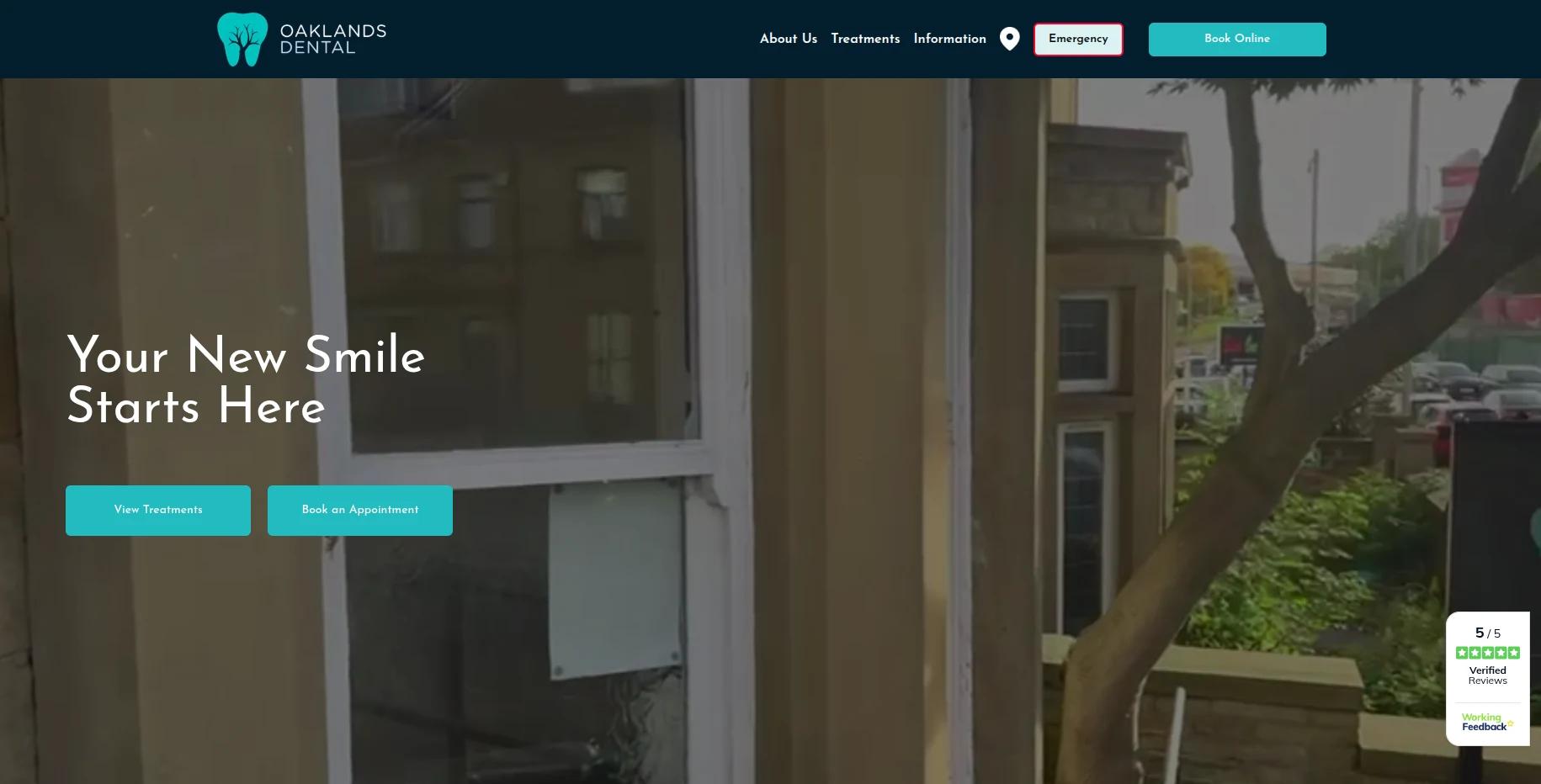
Oaklands Dental in Huddersfield, Chapel Dental & Wellness in Brighouse and GK OOI & Associates run their practice websites on Codortal. Each one is built, hosted and supported by the same team you would work with.
See how Codortal connects your dental website, online bookings, payments and patient enquiries in one personalised 20-minute walkthrough.