
Dentally
Bookings only. Keep taking bookings in your Dentally diary and Codortal can work with it. Patient records, forms and anything else do not sync across.
Dental Website Design & Development
Ready-made Dental WebsitesBespoke Dental WebsitesDental Website Hosting & Maintenance
Managed Website Hosting & MaintenanceWebsite Content ManagementDental Digital Marketing
Social Media ManagementDental SEO ServicesGoogle Ads for DentistsSocial Media Advertising View all servicesResources
BlogsSoonFAQsClient StoriesPrivacy PolicyTerms of ServiceAbout
About CodortalContact UsKeep the tools you already use. Codortal connects them.
Codortal connects to Dentally for bookings, Stripe for card payments, Google and Gmail for turning enquiry emails into leads, and Working Feedback for showing your published patient reviews on your website. Every booking confirmation also carries a calendar invite. Anything not listed is looked at case by case on the Custom plan.
| Dentally | Bookings only |
|---|---|
| Stripe | Card payments, into your own account |
| Google & Gmail | Enquiry emails become leads |
| Working Feedback | Published reviews on your website |
Bookings only. Keep taking bookings in your Dentally diary and Codortal can work with it. Patient records, forms and anything else do not sync across.
Card payments at the point of booking, paid into your practice’s own Stripe account.
Connect your inbox so enquiry emails become leads on their own, filtered by sender or subject.
Your published patient reviews pulled onto your website, updating on their own as new ones come in.
Every confirmation carries a calendar file, so the appointment lands in whatever calendar the patient uses.
Confirmations, reminders and signing links sent through a dedicated delivery service so they reach the inbox.
We handle setup as part of onboarding. Card payments run on your practice’s own Stripe account, Gmail is connected so enquiry emails become leads, filtered by sender or subject, and if you take bookings in Dentally, Codortal works with that diary instead of its own. Tell us what you use on the demo.
They matter most to practices that already rely on Dentally for the diary, take card payments or collect reviews through Working Feedback, and do not want to change tools to get a new website. Codortal fits around your existing routine, and your reception team stays in control of the diary.
Stripe payments, Gmail lead capture and calendar invites are part of the platform on Growth at £79 a month and Pro at £119 a month. Bespoke integrations with systems not listed here are part of the Custom plan, which is priced for groups and multi-site practices after a conversation about what you need.
Stripe payments, Gmail lead capture and calendar invites are part of the platform. Anything not listed here is looked at case by case on the Custom plan.
Short answers to the questions that come up most on a demo.
Yes, for bookings. If your practice takes bookings in Dentally, Codortal can work with that diary instead of its own, so the front desk keeps its routine. Patient records, forms and anything else do not sync across.
Codortal is one. A Codortal practice website can work with your Dentally diary for bookings, alongside Stripe for card payments, Gmail for enquiry emails and Working Feedback for published reviews. The Dentally connection covers bookings only.
Yes. A Codortal website takes card payments through Stripe as patients book, paid into your practice’s own Stripe account. A successful payment confirms the appointment automatically, and failed or abandoned payments are handled for you.
Usually the diary, a payment provider and the inbox where enquiries arrive. Codortal connects to Dentally for bookings, Stripe for card payments and Gmail for enquiry emails, sends a calendar invite with every confirmation, and looks at anything else case by case on the Custom plan.
Codortal connects to Stripe for payments, to Gmail so enquiry emails become leads, and sends calendar invites with every confirmation. If you already take bookings in Dentally, Codortal can work with that diary instead of its own. Anything else is looked at case by case on the Custom plan.
No. The Dentally connection covers bookings only: Codortal can work with your Dentally diary instead of its own. Patient records, forms and anything else do not sync across.
Tell us on the demo and we will look at it with you. Bespoke integrations with your existing tools are part of the Custom plan.
Into your practice’s own Stripe account. Card details are handled securely by Stripe and funds go straight to you.
Yes, if you use Working Feedback. Your published reviews are pulled onto your website and update on their own as new ones come in.
Connect your inbox and enquiry emails become leads on their own, filtered by sender or subject.
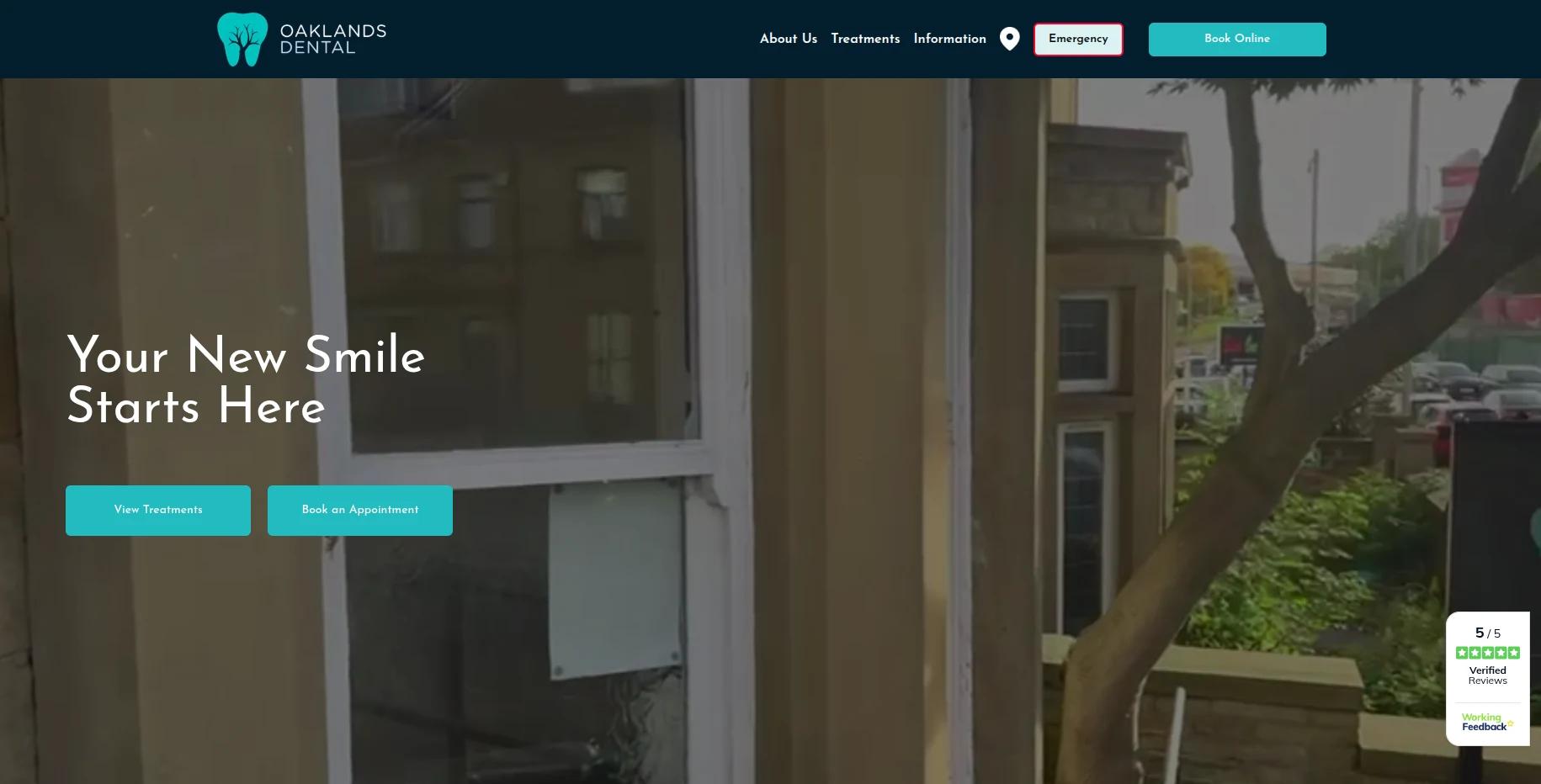
Oaklands Dental in Huddersfield, Chapel Dental & Wellness in Brighouse and GK OOI & Associates run their practice websites on Codortal. Each one is built, hosted and supported by the same team you would work with.
See how Codortal connects your dental website, online bookings, payments and patient enquiries in one personalised 20-minute walkthrough.